1
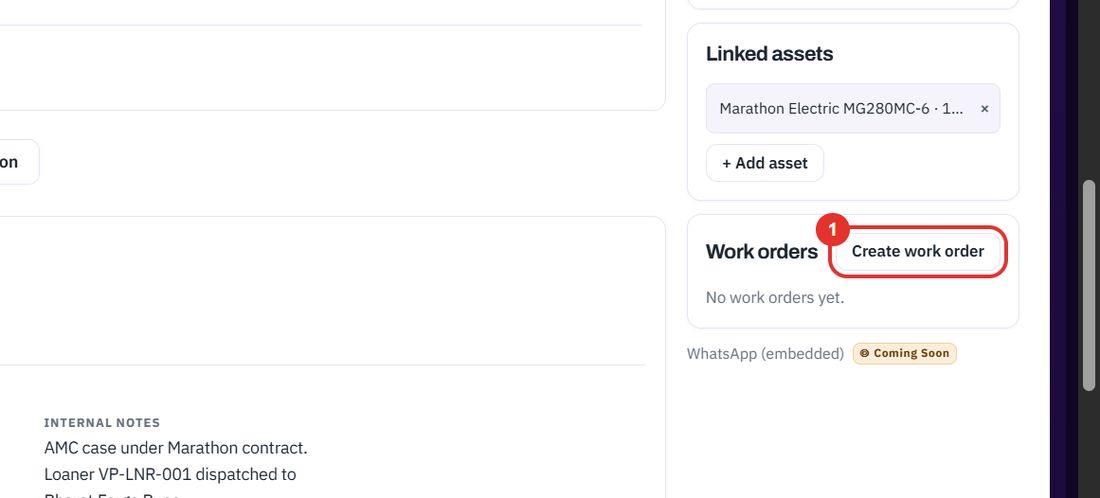
Click Create work order
On the case page, in the Work orders card on the right. If the card says to link a quotation or an AMC contract first, do that before raising the job.
A work order is the job a technician does for a case. Raise it from the case, follow it by status, complete it and bill it.
Want the full chapter? Solution Guide, chapter 3: Service (PDF) · All documentation
When a case has an AMC contract or a quotation and the repair can be scheduled.
On the case page, in the Work orders card on the right. If the card says to link a quotation or an AMC contract first, do that before raising the job.
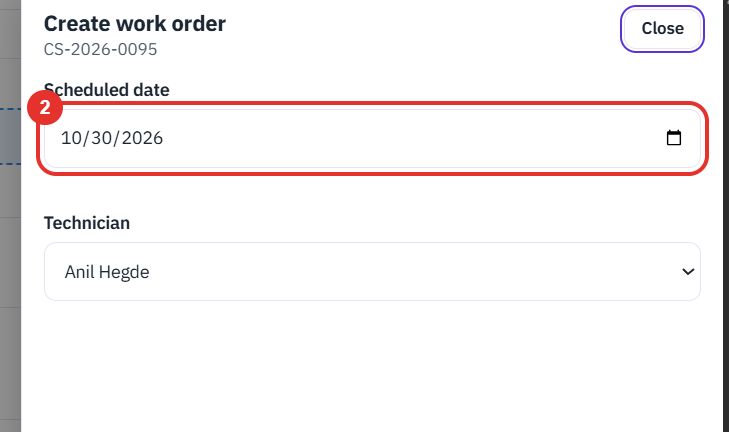
A panel called Create work order opens on the right. It starts with today's date.
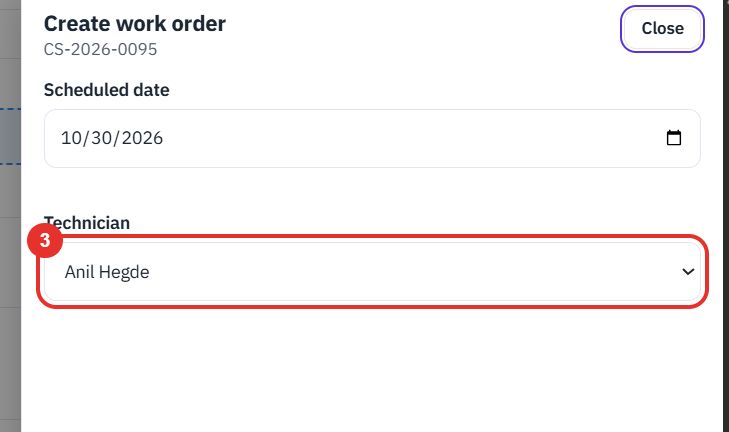
The case's technician is picked for you. Change it, or choose Not assigned.
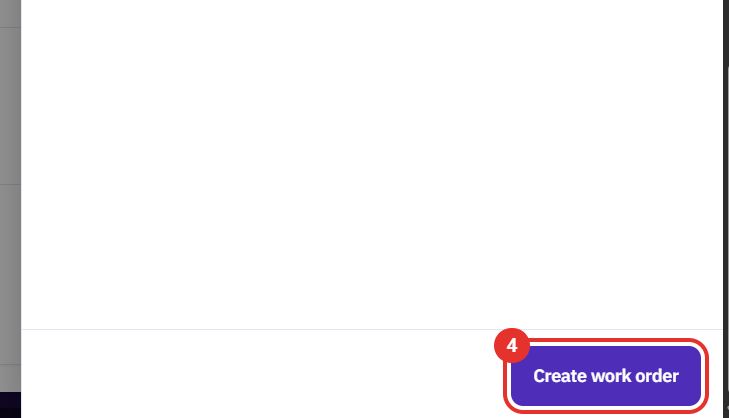
The button is at the bottom of the panel. Close, top right of the panel, leaves without creating anything.
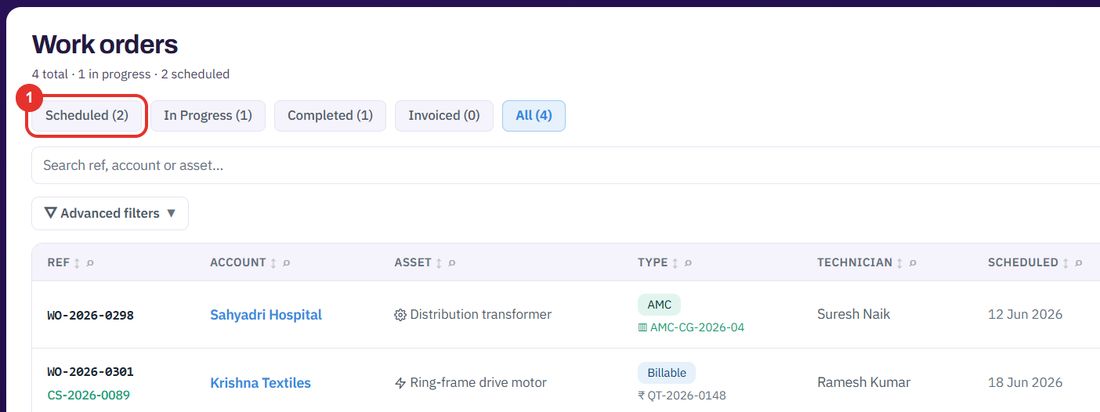
When you need one job, or all the jobs in one status.
Scheduled, In Progress, Completed, Invoiced and All. The number in brackets is the count.
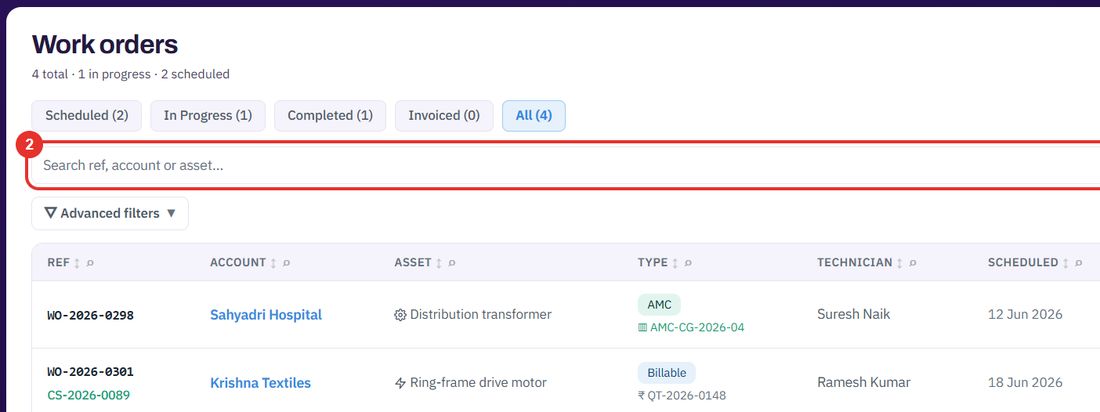
Type a reference, account or asset, then click Filter.
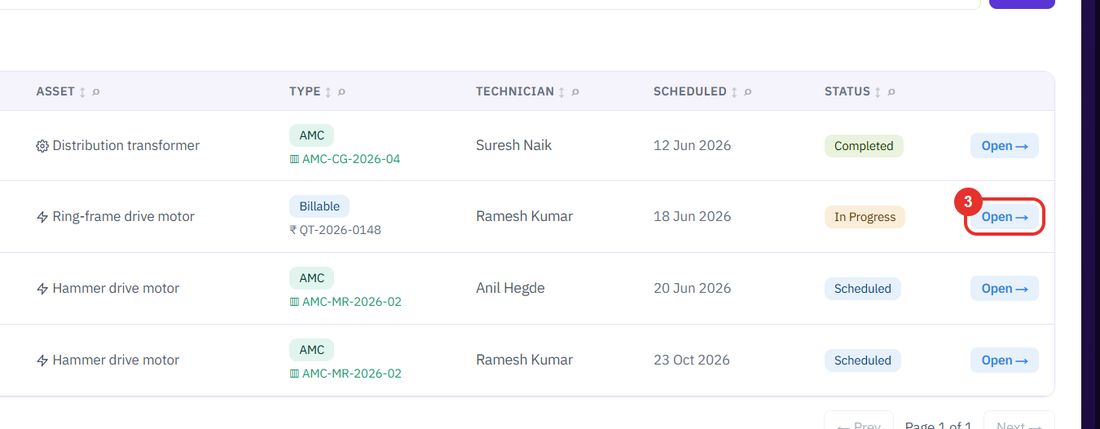
Each row shows the reference, the case it came from, the account, the asset, the type (AMC or Billable), the technician, the date and the status.
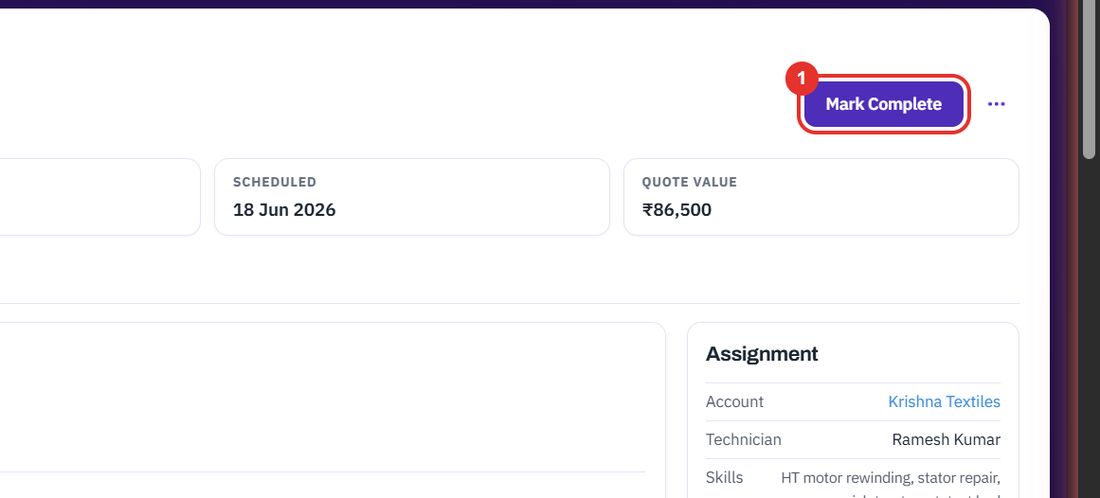
When the technician has finished the job.
On a work order that is In Progress, the button is top right. The job then appears under the Completed tab of the list.
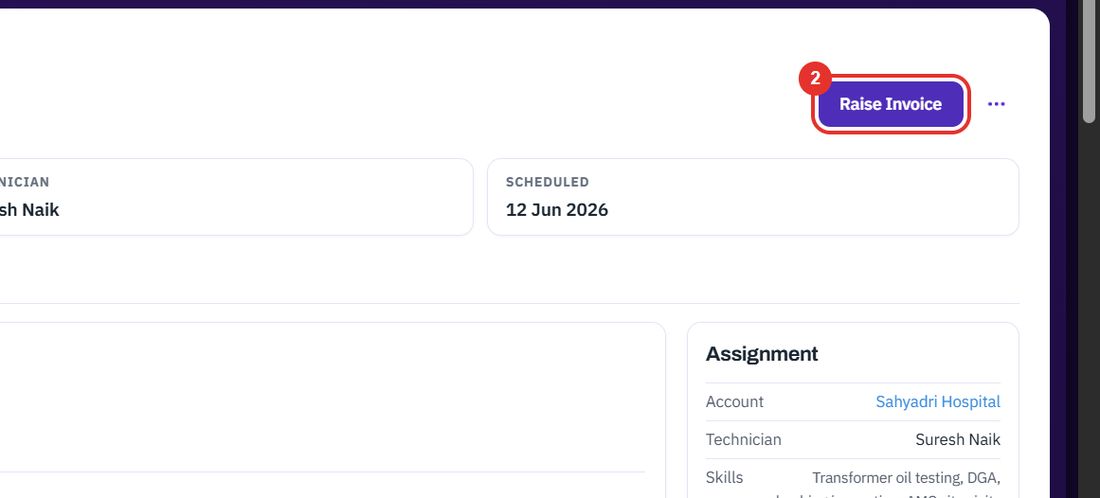
On a Completed work order the same place shows Raise Invoice. The invoice is then found on the Invoices page.
See Invoices for what happens next.
Twenty minutes on a live workspace, with your files and your team.