1
Click Low stock
All shows every item. Low stock shows the items at or below their reorder level.
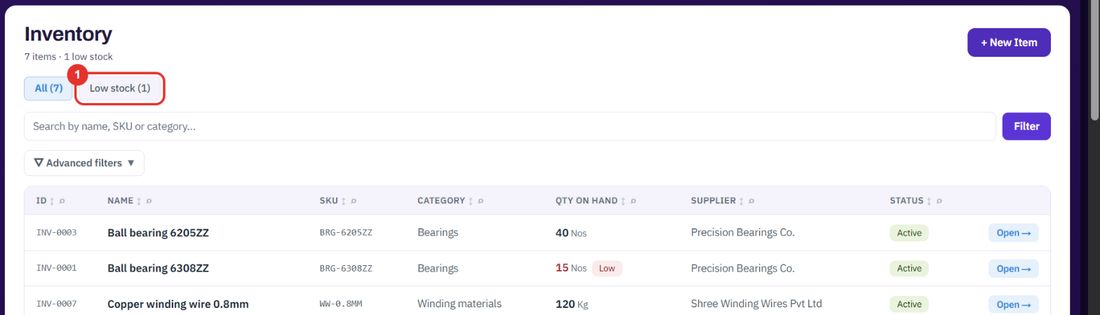
Inventory holds the parts and consumables you stock. See what is on hand, spot low stock and correct a count.
Want the full chapter? Solution Guide, chapter 6: Platform and master data (PDF) · All documentation
When you need to know how many are on the shelf.
All shows every item. Low stock shows the items at or below their reorder level.
Search by name, SKU or category, then click Filter.
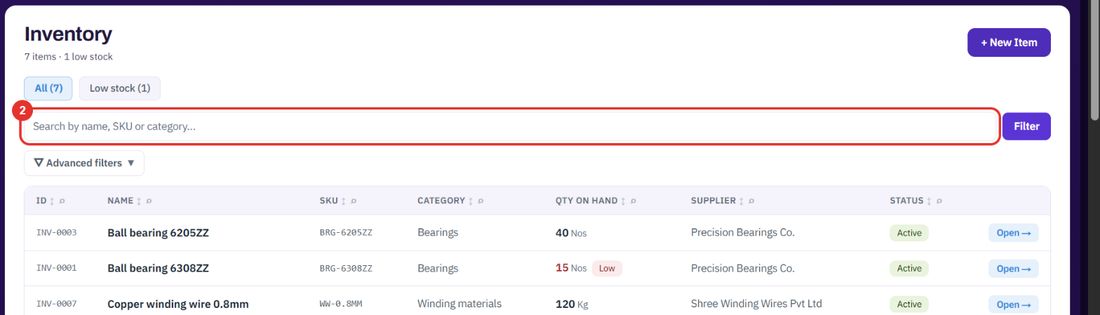
The list shows the quantity on hand and the supplier. The item page adds the reorder level and the unit cost.
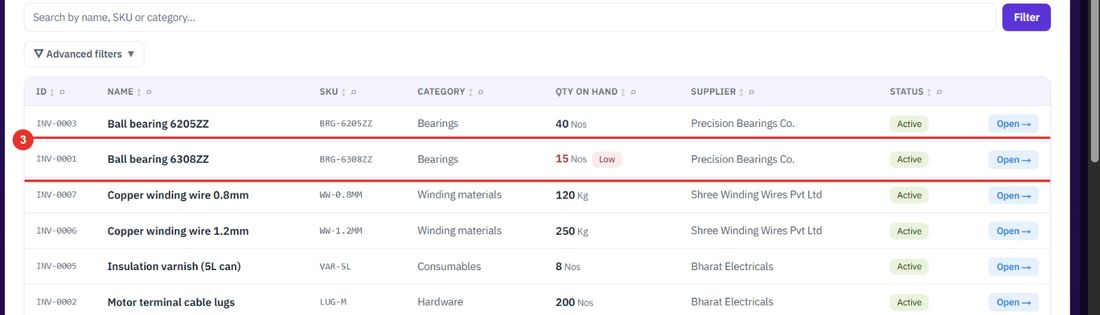
When a count is wrong, or items were damaged or lost.
Top right of the item page. It opens the Stock tab.
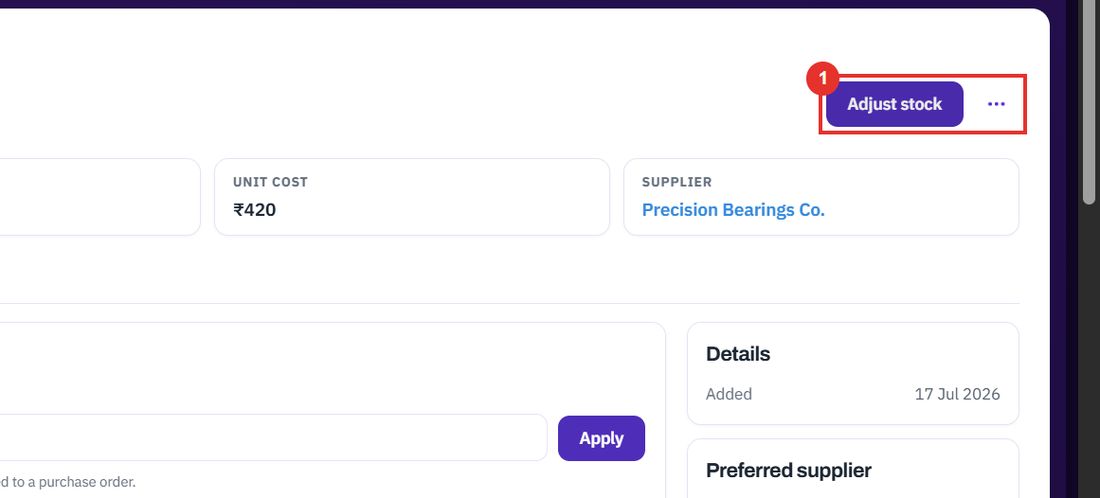
A negative number reduces stock, for example -2. A positive number adds stock that is not tied to a purchase order.
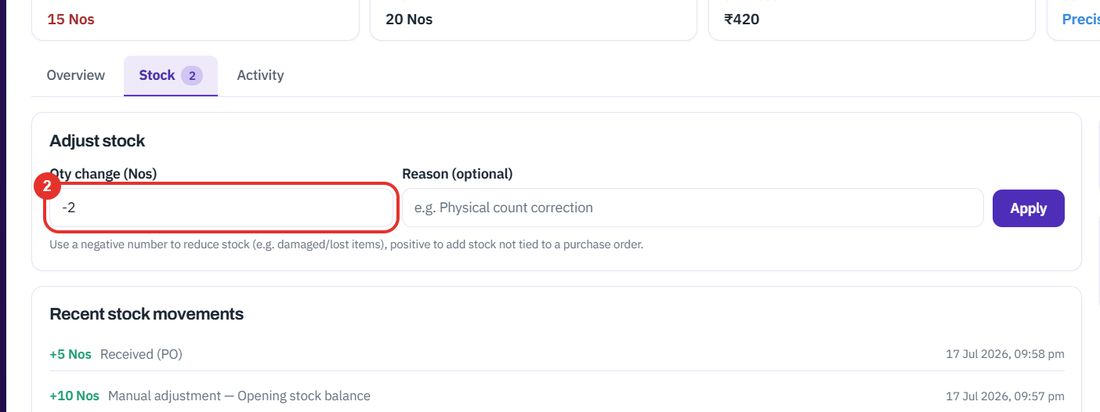
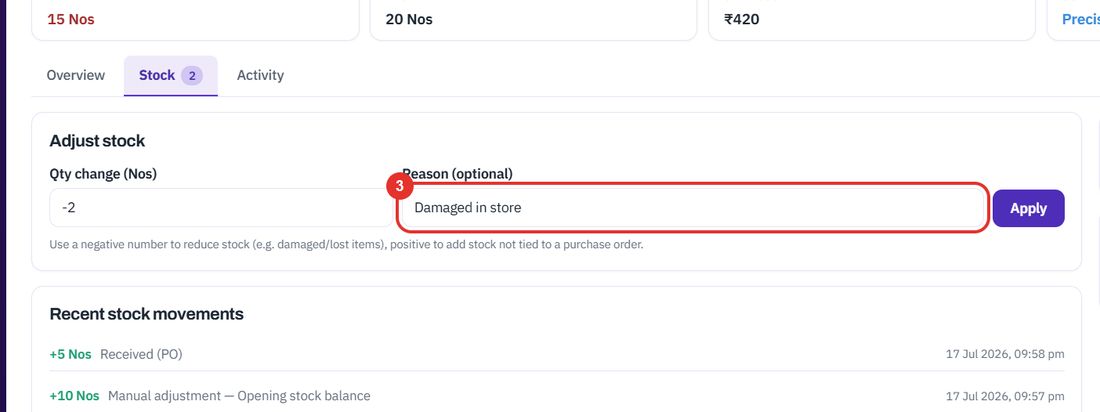
Optional, for example Physical count correction.
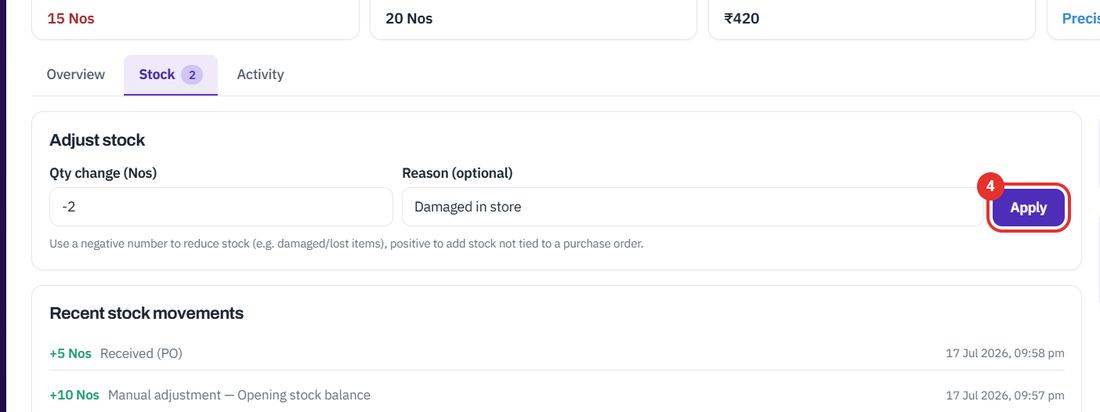
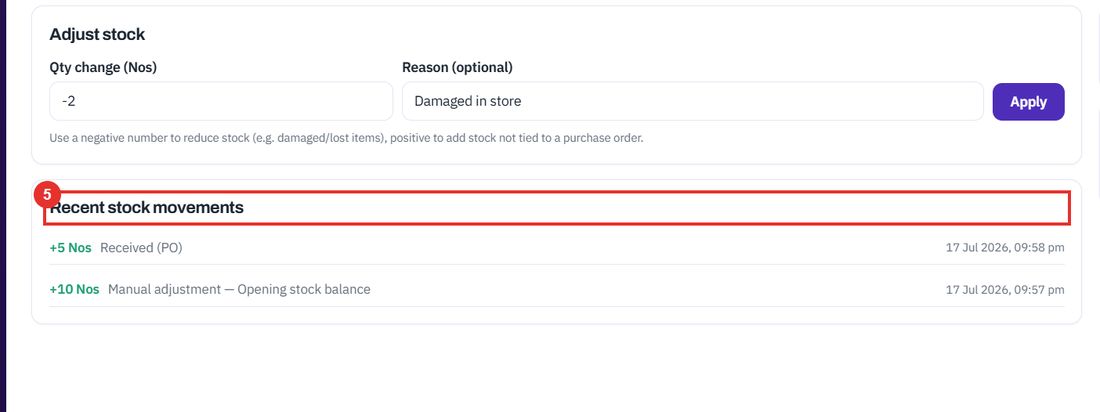
The change is applied to the quantity on hand and the movement is added to the list below.
Each line shows the change, where it came from (Received (PO), Manual adjustment) and the time.
When you start stocking something new.
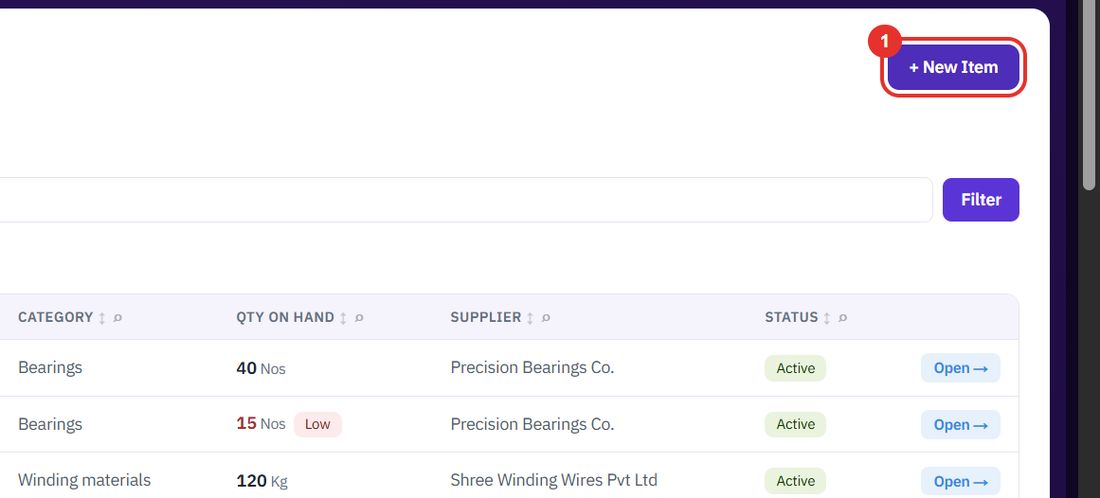
On the Inventory page, top right.
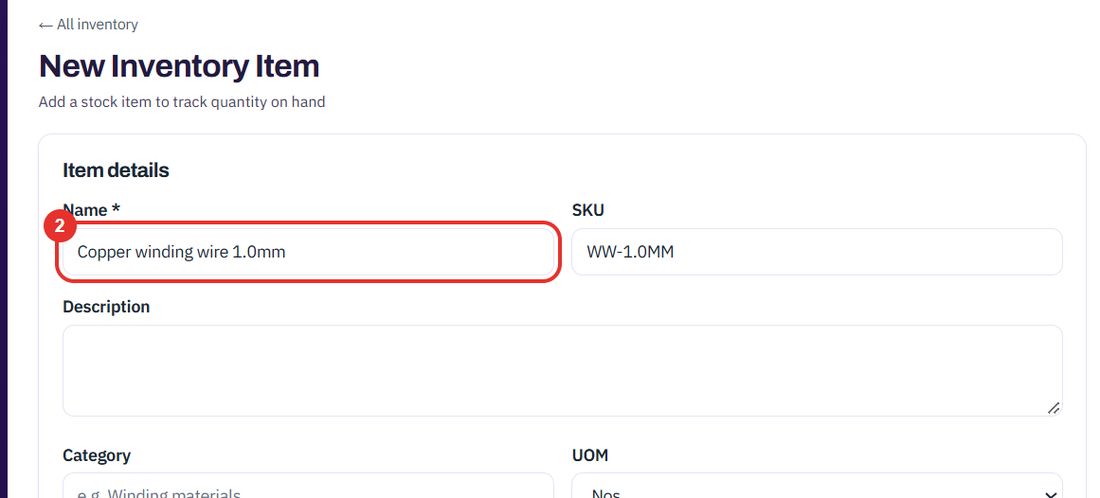
Required. For example Copper winding wire 1.0mm.
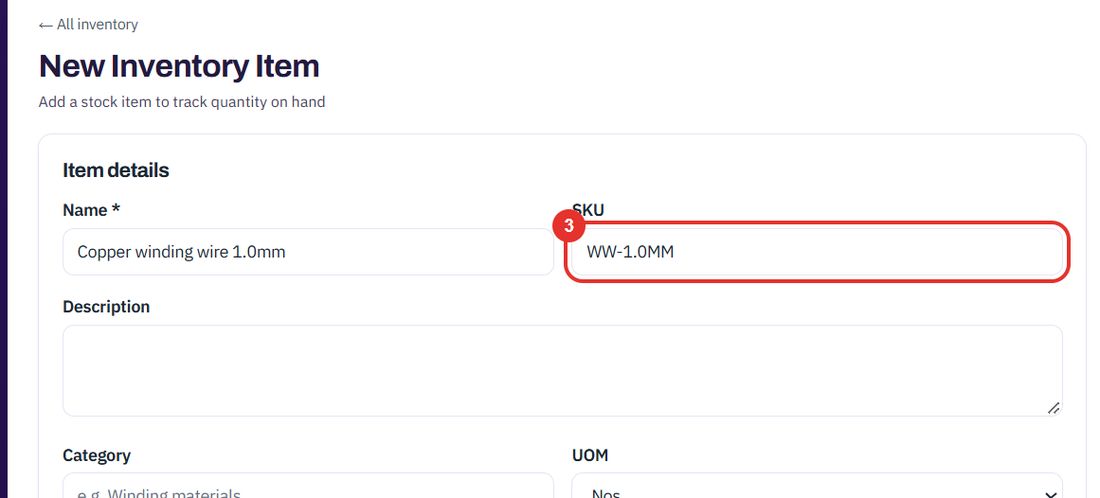
Your own code for the item.
The unit of measure: Nos, Job, Set, Mtr, Kg, Ltr or Box.
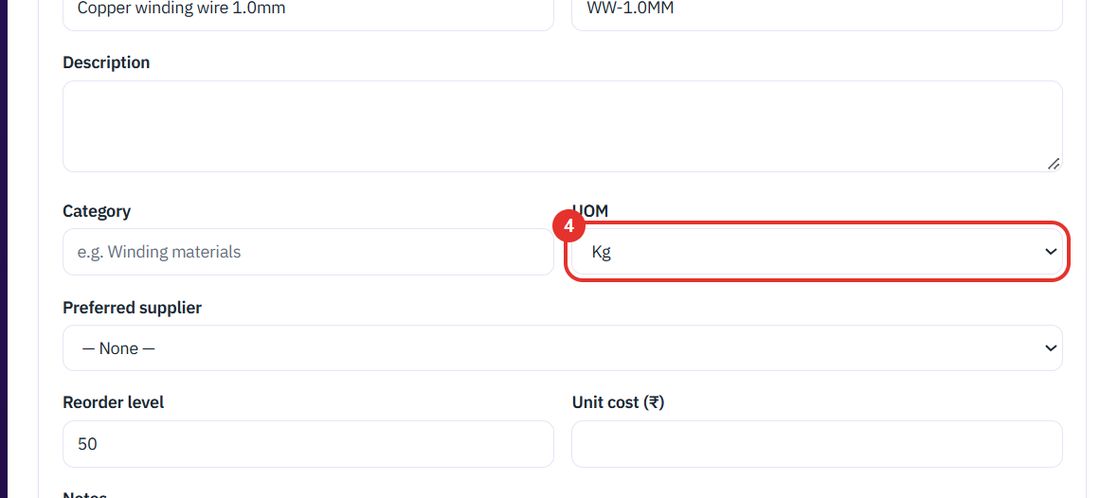
Optional. The suppliers come from the Suppliers page.
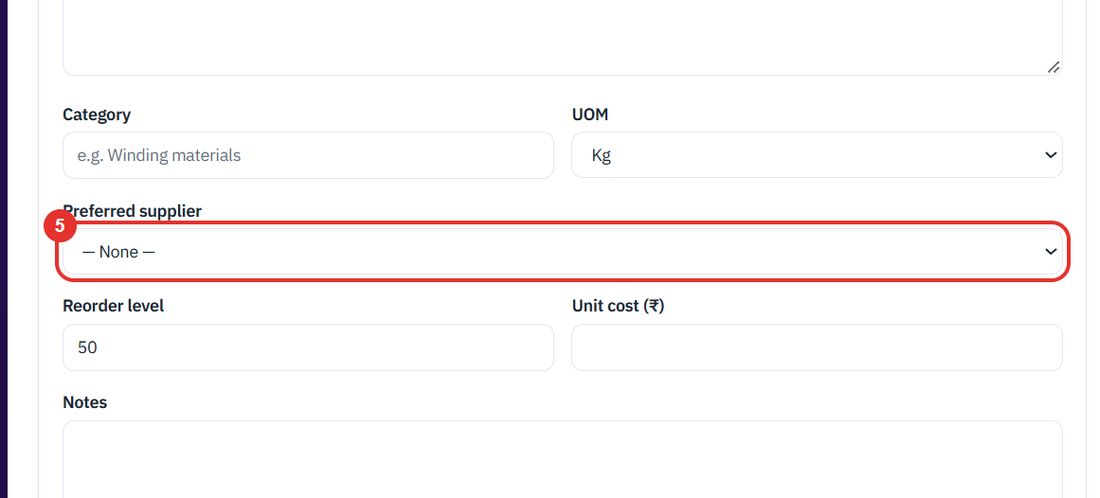
The field says Alert when stock falls to/below this. Items at or below it show as Low.
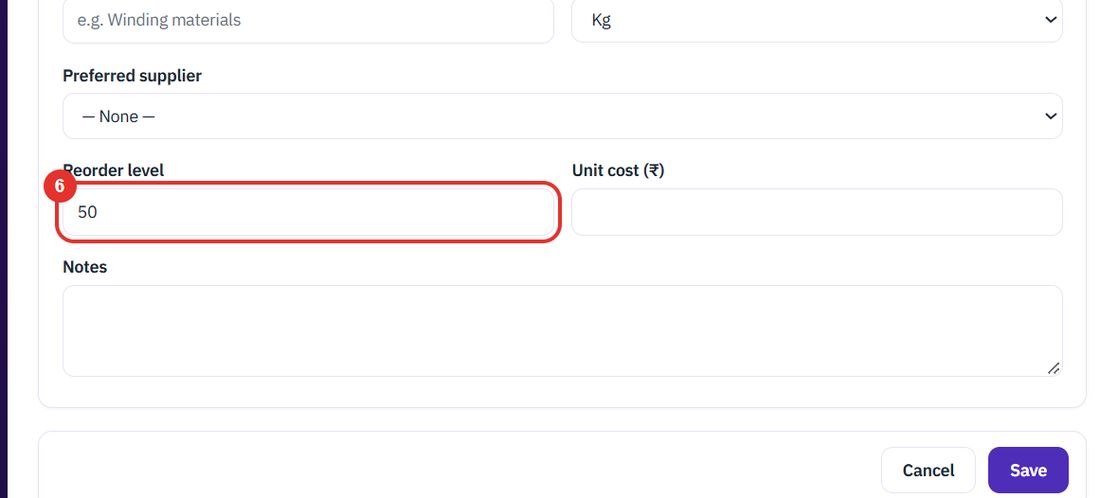
Unit cost (₹) and Notes are optional.
Twenty minutes on a live workspace, with your files and your team.