1
Open the case at the Inspection stage
On the case page, the stage bar shows Inspection as the current stage. The Inspection report card is below the bar.
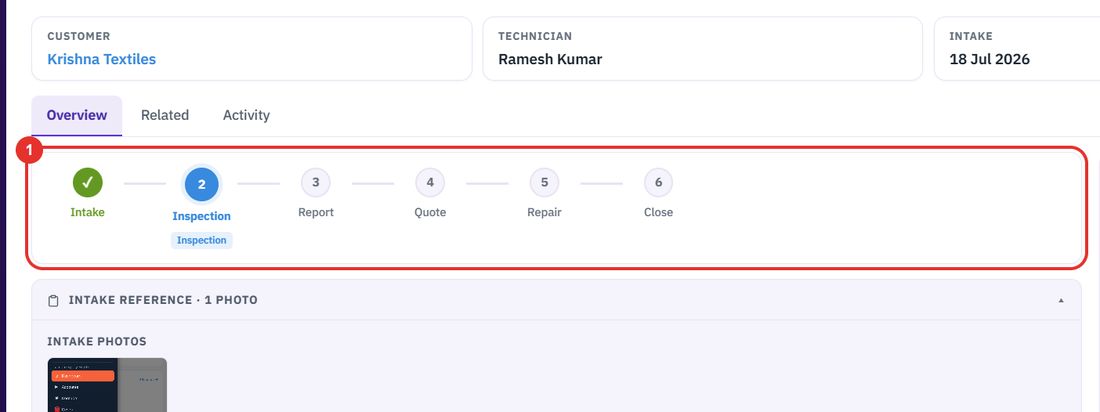
The inspection report is written on the case, at the Inspection stage. Record the findings, the recommendations and a cost estimate, add photos, then send it to the customer.
Want the full chapter? Solution Guide, chapter 3: Service (PDF) · All documentation
When the technician has looked at the equipment.
On the case page, the stage bar shows Inspection as the current stage. The Inspection report card is below the bar.
On a report that is already saved as Draft saved, Edit opens the form. A new report opens the form straight away.
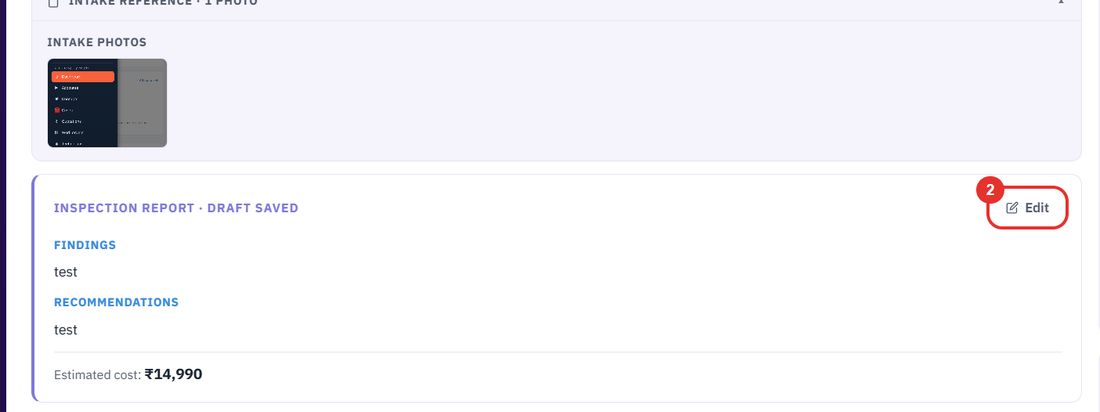
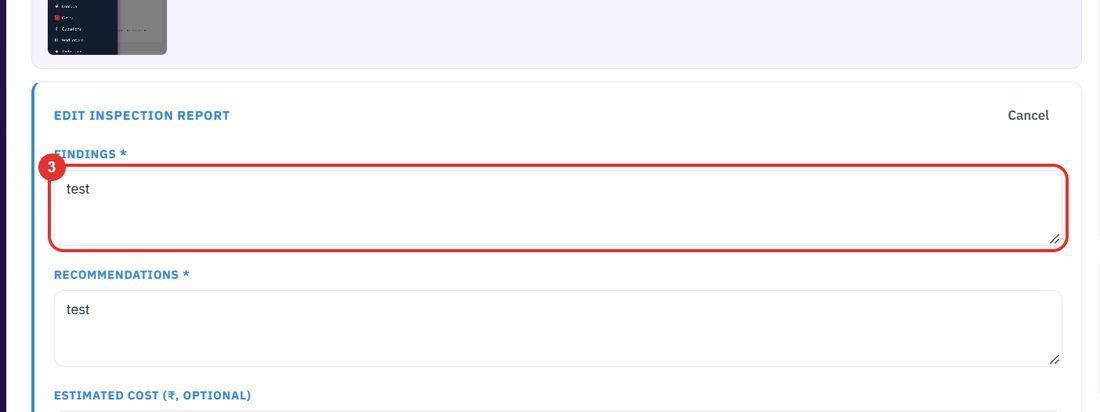
What the technician found. This box is required.
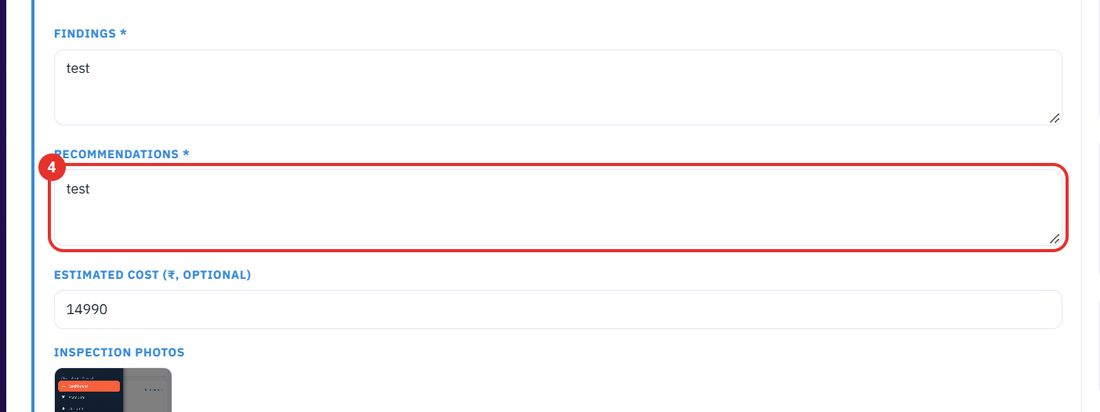
The repair actions you recommend. This box is required.
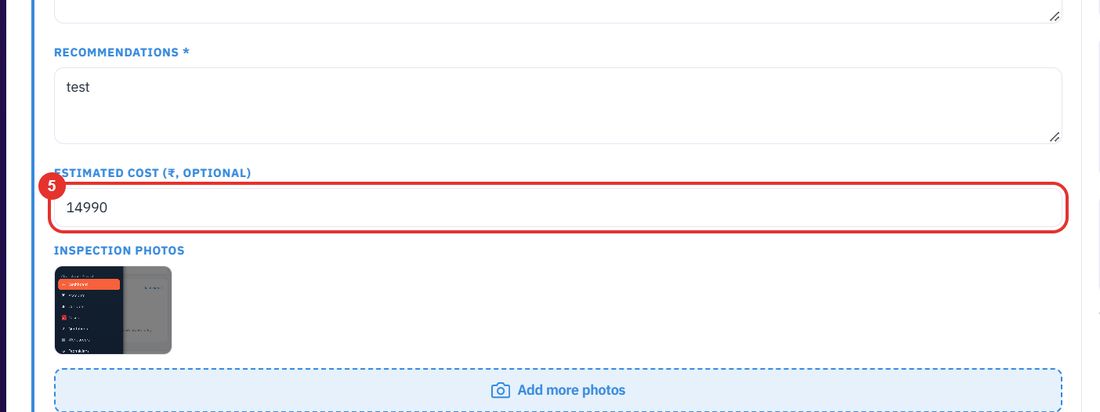
The field is named Estimated cost (₹, optional). Leave it empty if you do not have a figure.
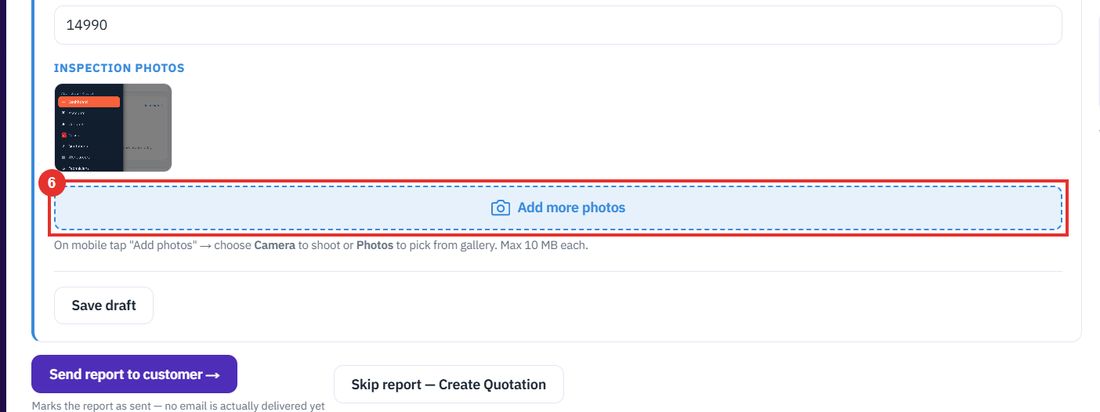
Click Add more photos (Add photos on a new report). On a phone, choose Camera to shoot or Photos to pick from the gallery. Each photo can be up to 10 MB.
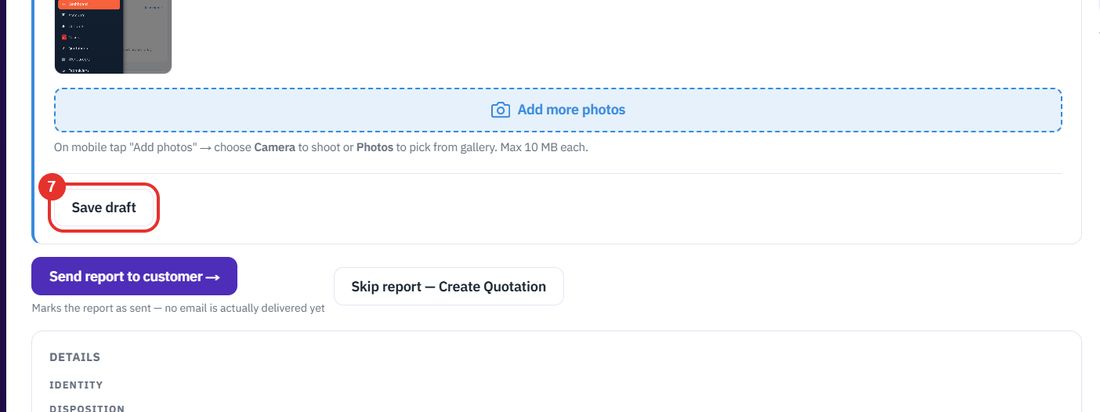
Keeps the report as Draft saved. The customer sees nothing yet.
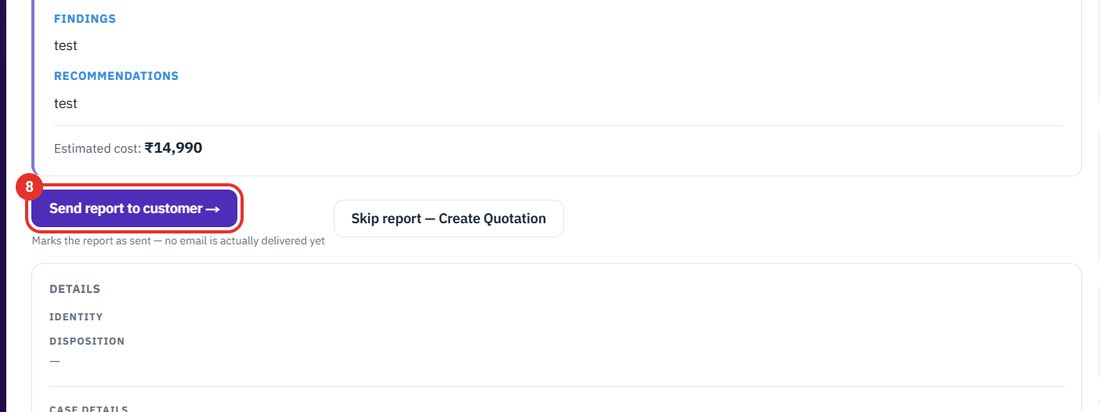
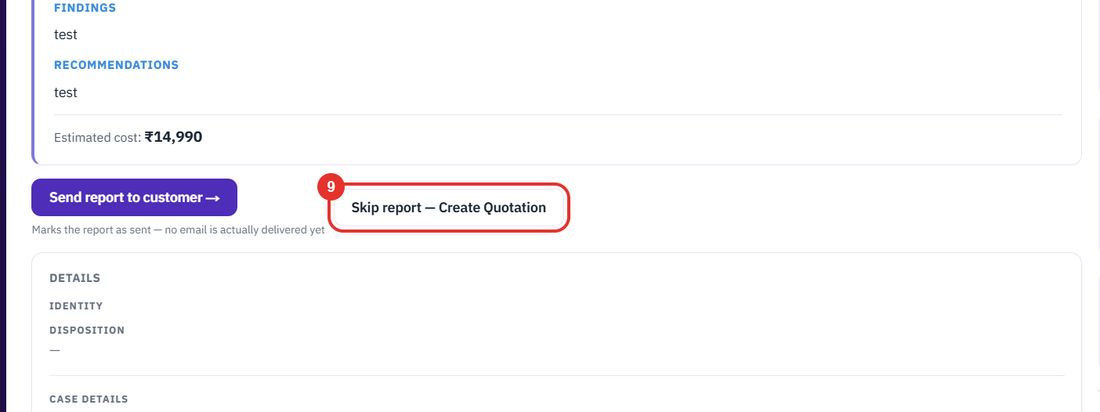
Under the button, a note says it marks the report as sent and that no email is delivered yet.
Use it when you do not need a report and want to go straight to a quotation.
The report has no checklist: it is free text for findings and recommendations, one cost figure and photos. For the rest of the case, see Cases.
Twenty minutes on a live workspace, with your files and your team.